Storybible Reader
An idea. Then a book to read.
You supply the starting point. Reader develops the novel and delivers it one chapter at a time.
Bring an idea
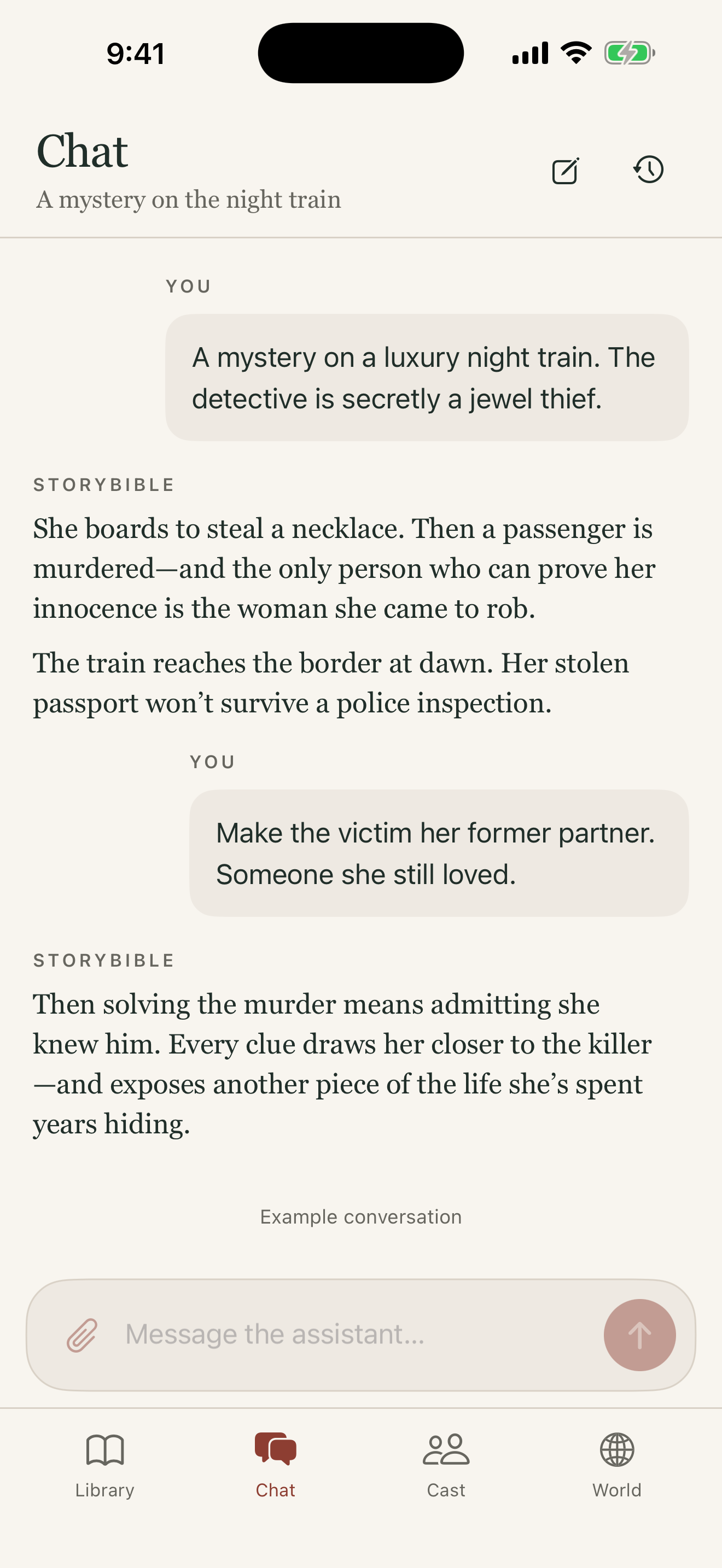
Describe the kind of story you want to read. Bring characters, a setting, or a simple what-if.
Choose your story
Review the proposed stories and choose the one you want to discover. Pitches introduce the premise without telling you the ending.
03Confirm the cost
The app shows the cost before creation begins. Review the credits or included allowances available when you confirm.
Preparation takes time. The request stays saved if you leave the app; the complete chapter appears when it is ready.
Plans and how requests workRead, then continue
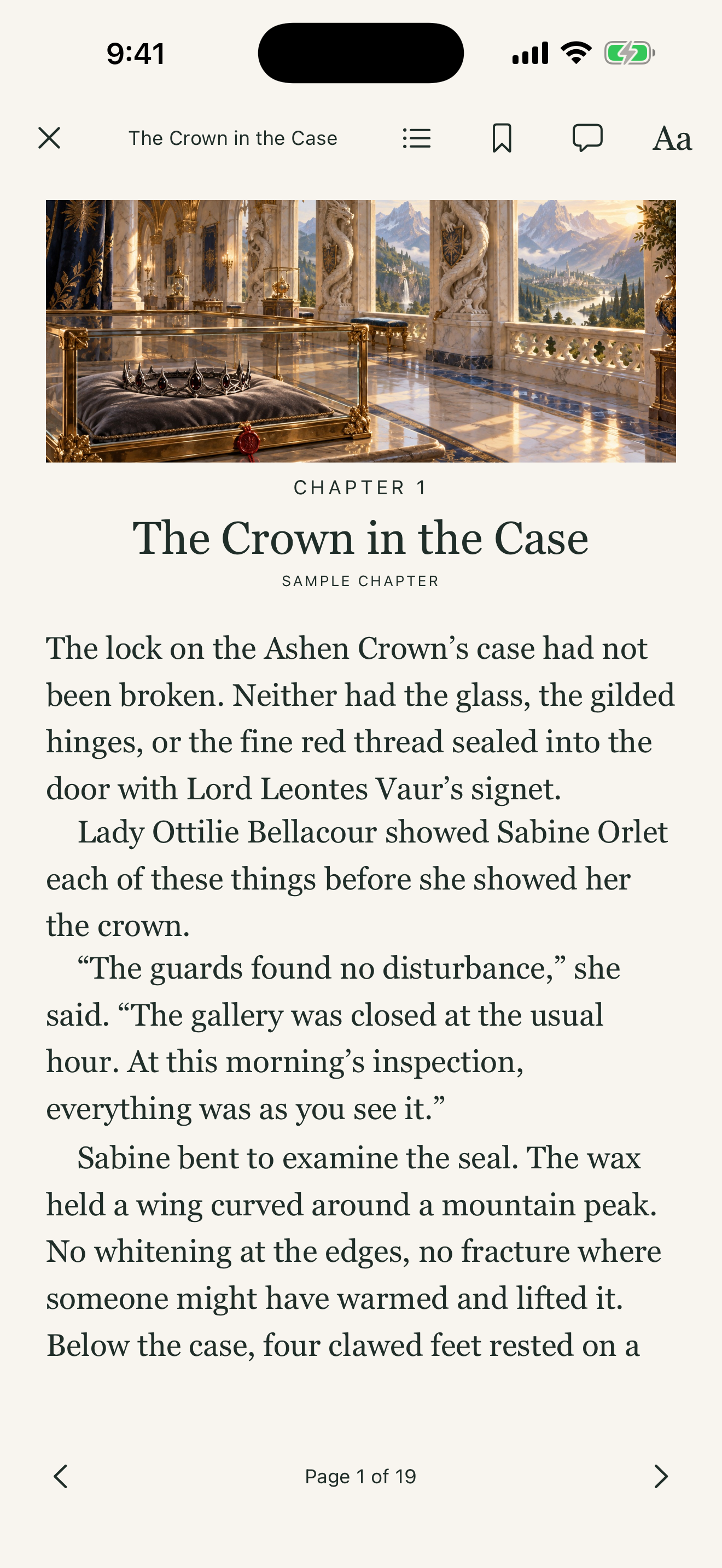
Enjoy the prose, portraits and illustrations, or read without images. Authorize later chapters separately as you continue.